Preferences
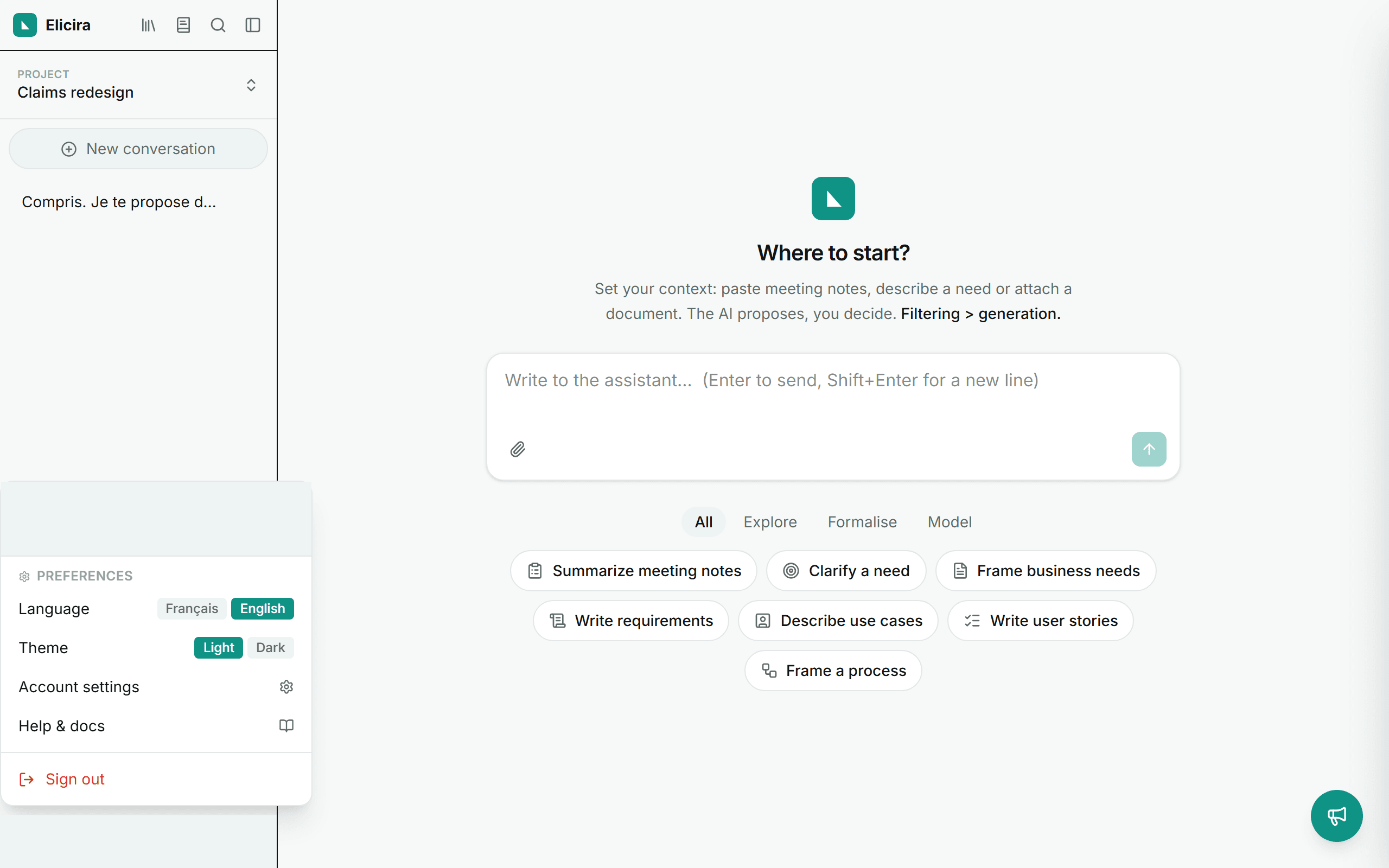
Language, theme and your account, all reachable from the user panel at the bottom of the left menu.
Language
Switch between Français and English in the user panel. The assistant answers in the chosen language and the whole interface is bilingual.
On the public pages (home, pricing, documentation), the same setting sits in the EN / FR button of the header. It is the very same preference: it follows you into the application.
Theme
Pick the light or dark theme. The preference is remembered and applied with no flash on load.
Account and usage
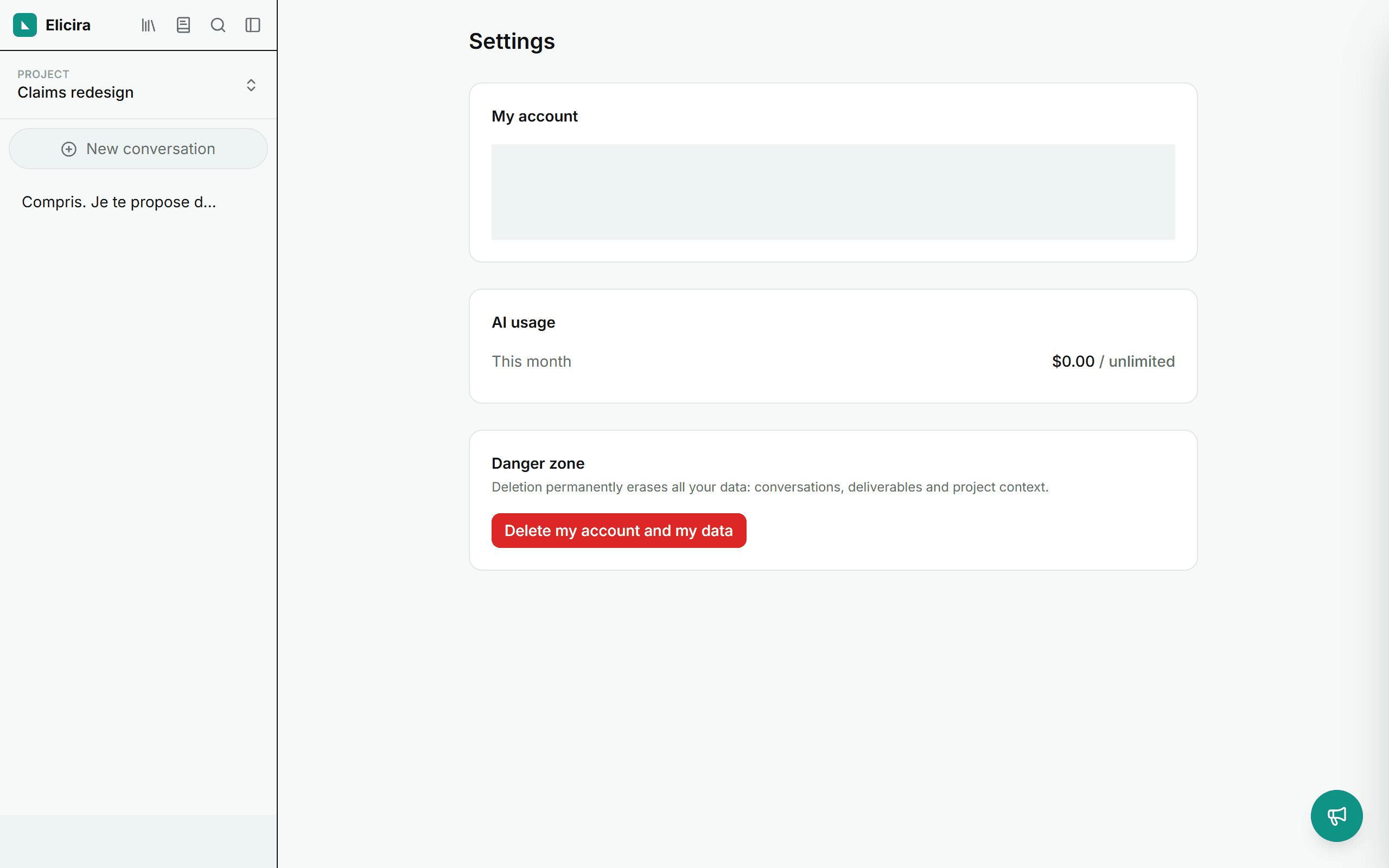
The Settings page shows your name, email, plan, and the month-to-date usage (AI budget).
Danger zone
From Settings, you can delete your account and all your data at any time (right to erasure). For details on how your data is processed, see privacy.
Language and theme are personal preferences; account deletion, however, affects all of the organisation’s data, use it knowingly.