The chat
The chat is where you set context and orchestrate the work. It is the starting point for every deliverable.
Writing to the assistant
Type or paste your starting point (a need, a spec excerpt, meeting notes), then Enter to send, Shift+Enter inserts a line break. The answer streams in and follows your interface language.
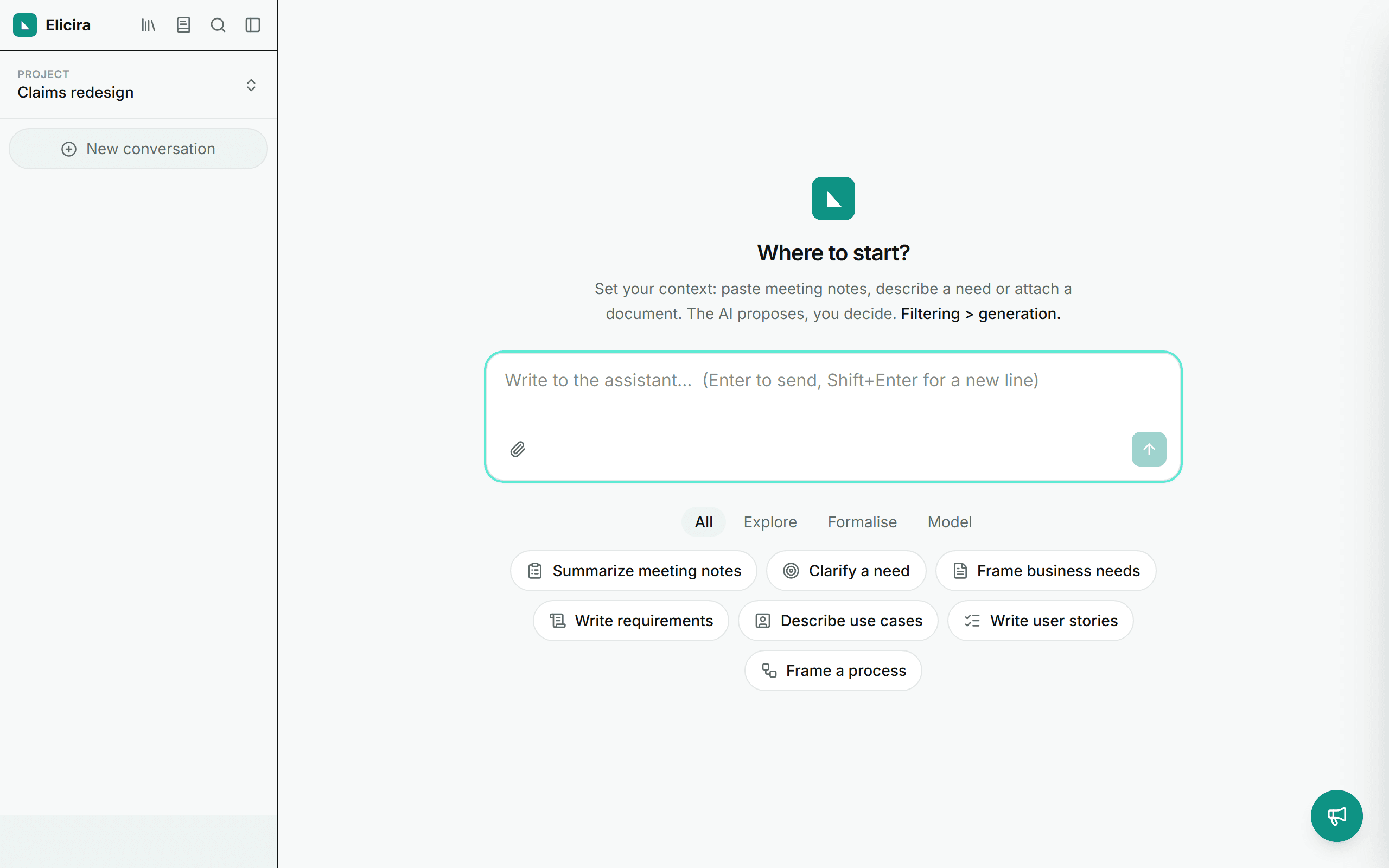
The starters
On a new thread, starter prompts (summarise, clarify, user stories, process) prefill the composer to get you going. They are not sent automatically: you complete them, then you decide.
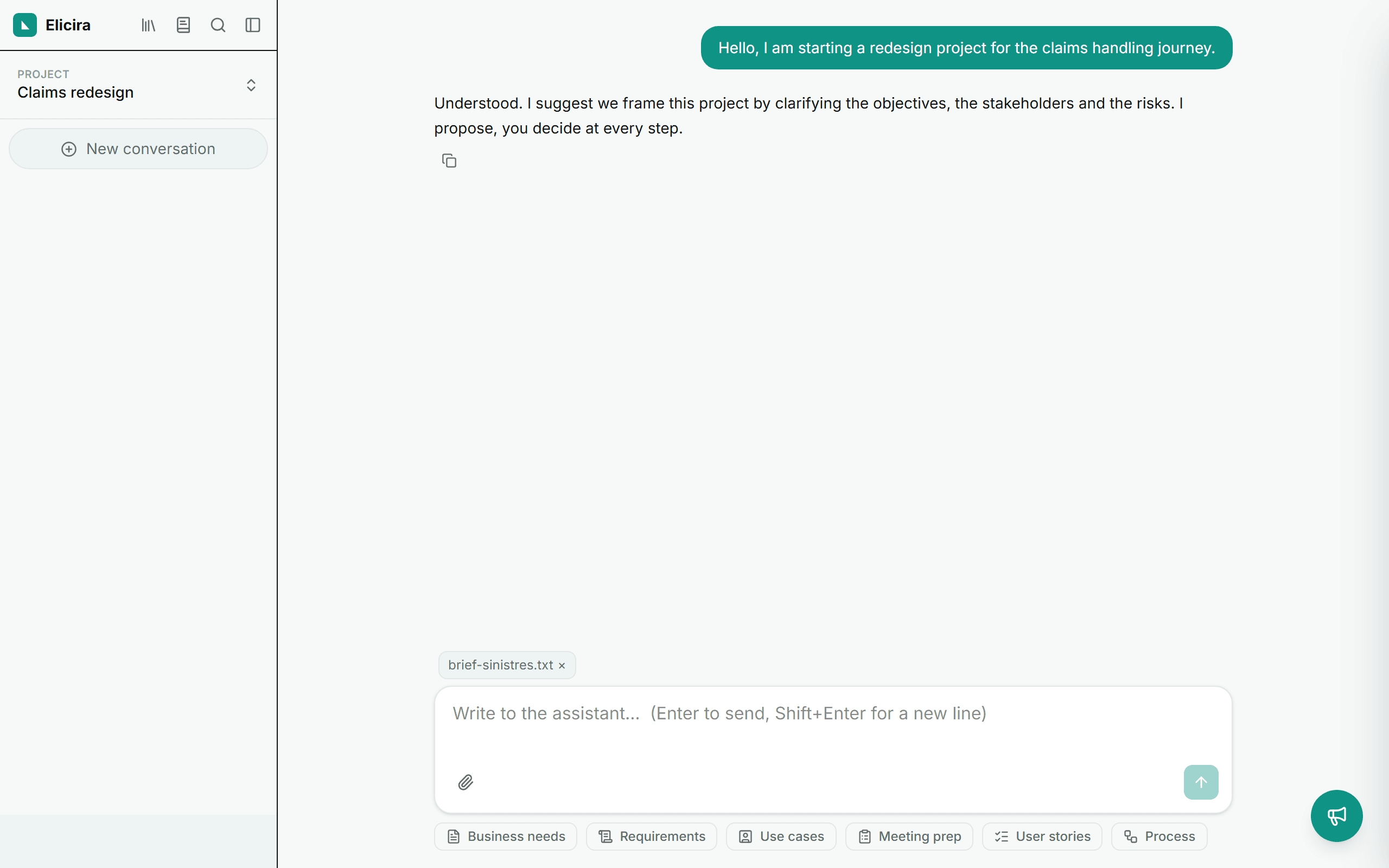
Attaching documents
Via the paperclip in the composer, attach a file (.txt, .md, .docx, .pdf): the app extracts its text to enrich the conversation context.
Two ways to run a module
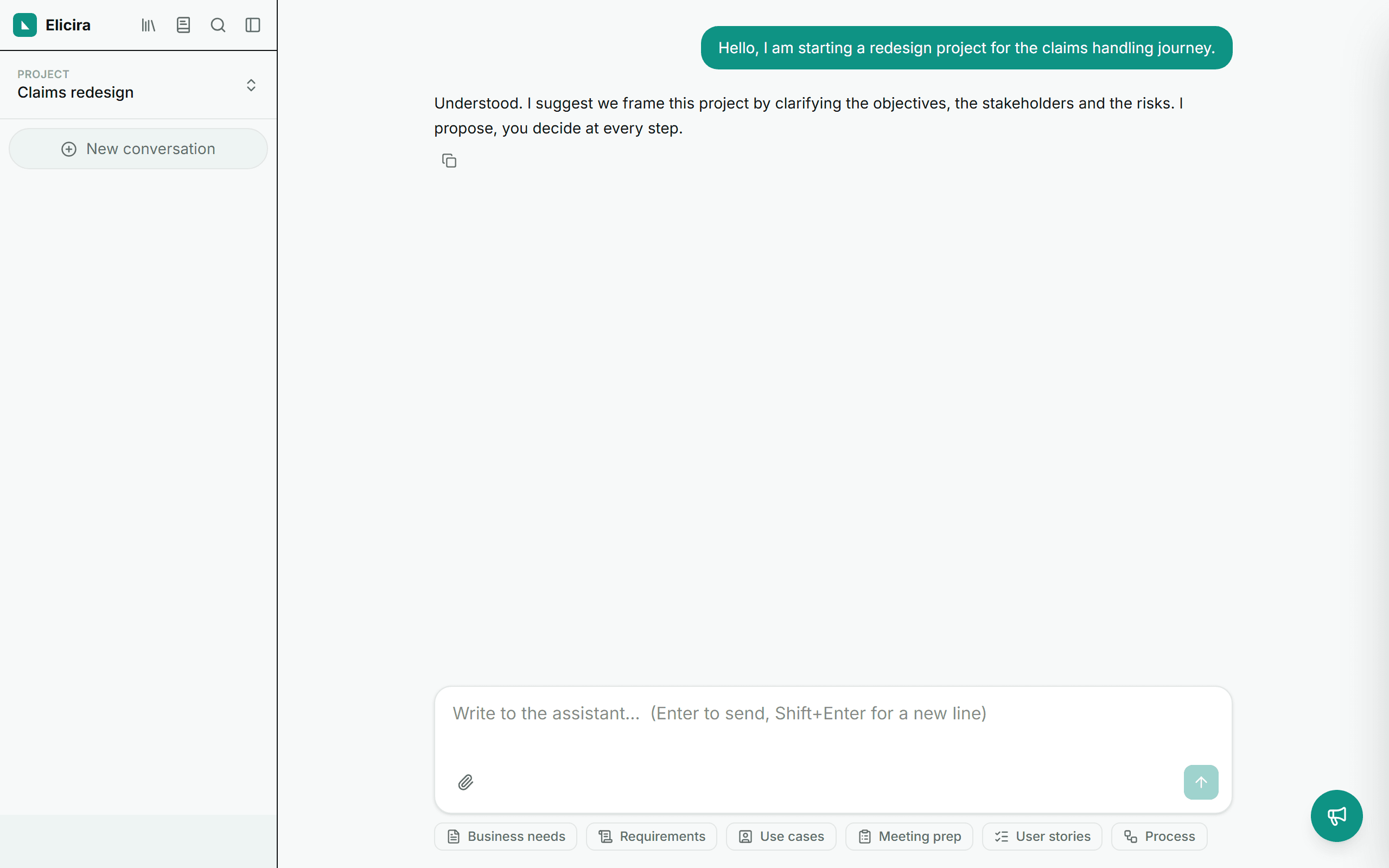
Just ask for it. The assistant recognises a deliverable request (“prepare my framing meeting”, “write the user stories for this need”), runs the matching module and narrates its progress in the thread. How it works: how the assistant works.
Or open it by hand. Once the context is set, the chips below the composer open the modules in a panel. That path keeps a checkpoint: you review what the assistant understood before it produces anything.