Getting started
Set some context, let the assistant propose a structured draft, then make the call. Here is the whole loop in five minutes.
What is Elicira?
Elicira is an assistant for business analysts. It does not replace your judgement: from the context you provide, it produces a structured draft (meeting preparation, user stories, process model) that you validate and refine.
The guiding principle: filtering > generation. The AI proposes a lot; you sort and decide, you stay in control of the deliverable at every step.
Open a conversation
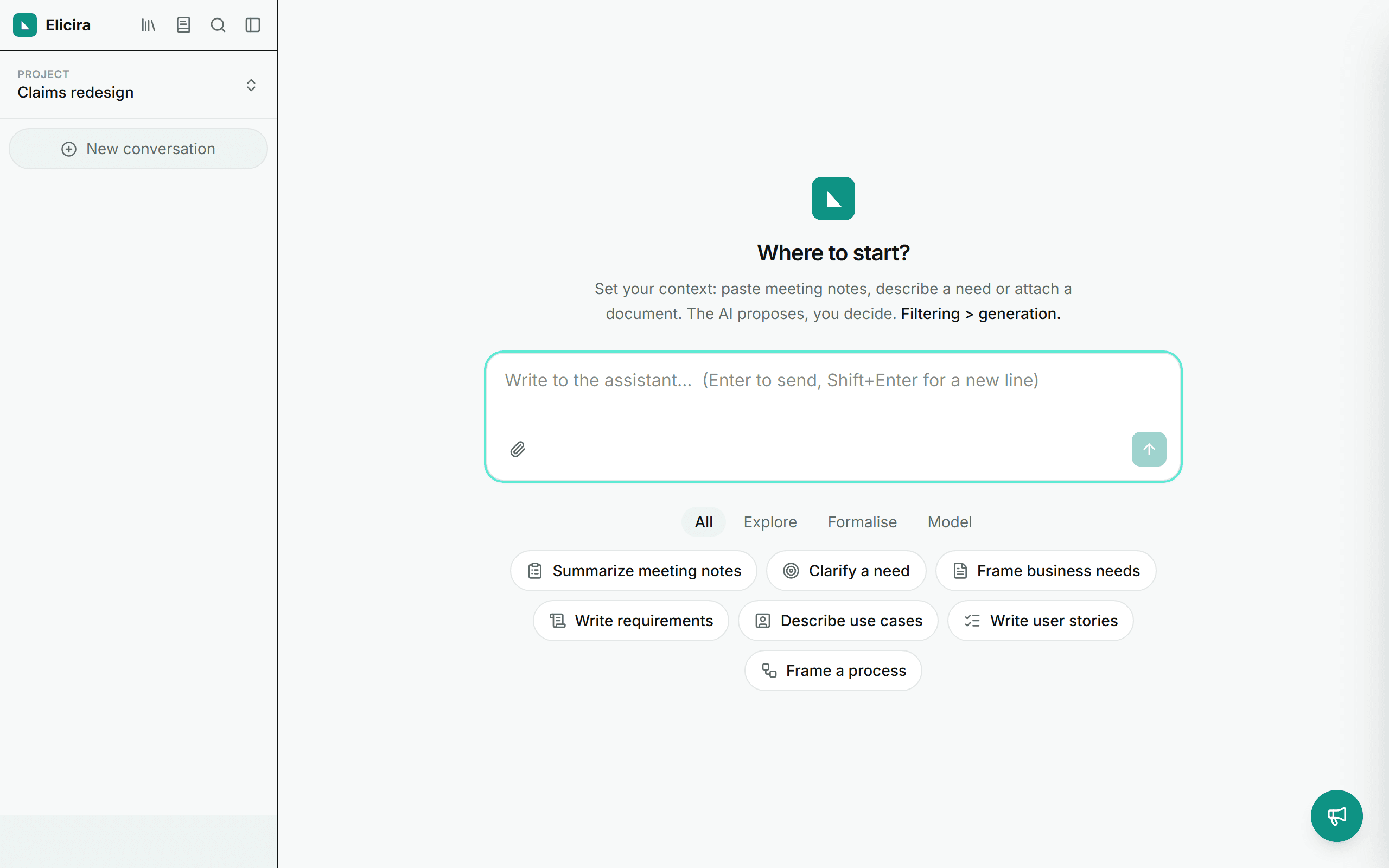
Everything starts in the chat. On opening, four starters cover the most common uses: summarise meeting notes, clarify a need, write user stories, frame a process. Clicking one pre-fills the composer, and you take it from there. Nothing is sent until you send it.
Worth knowing: the “Write user stories” and “Frame a process” starters explicitly ask for a deliverable. Once completed and sent, the assistant may run the matching module right away, without waiting for step 4.
Set your context
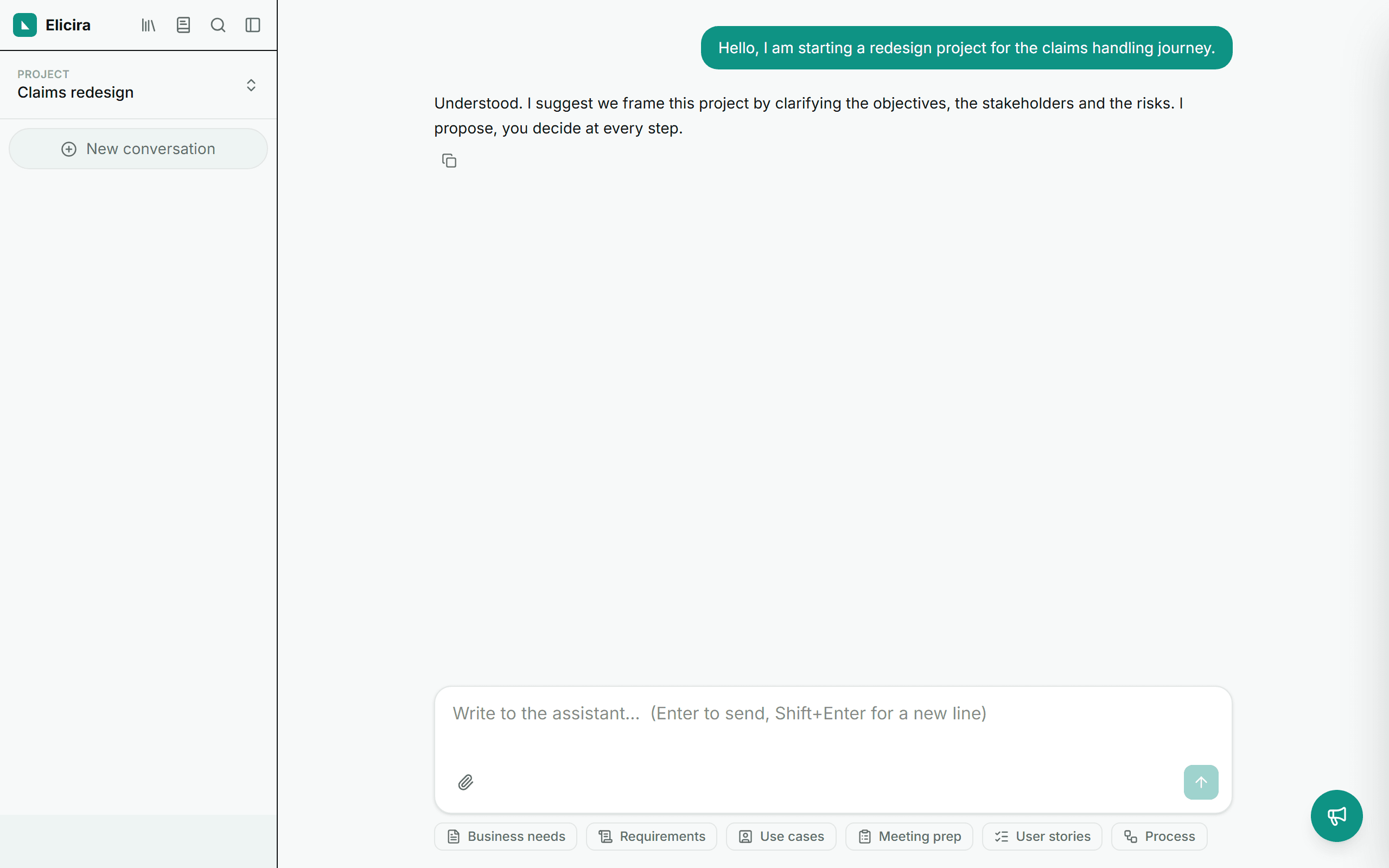
Write or paste your starting point: a need, a spec excerpt, meeting notes. The assistant answers in your interface language, and what you write feeds the modules next, together with your attachments and your project context.
If your message already is a request for a deliverable, the assistant will not just answer: it runs the module. To stay in the conversation, set the context and ask it to reframe or question it.
Attach your documents
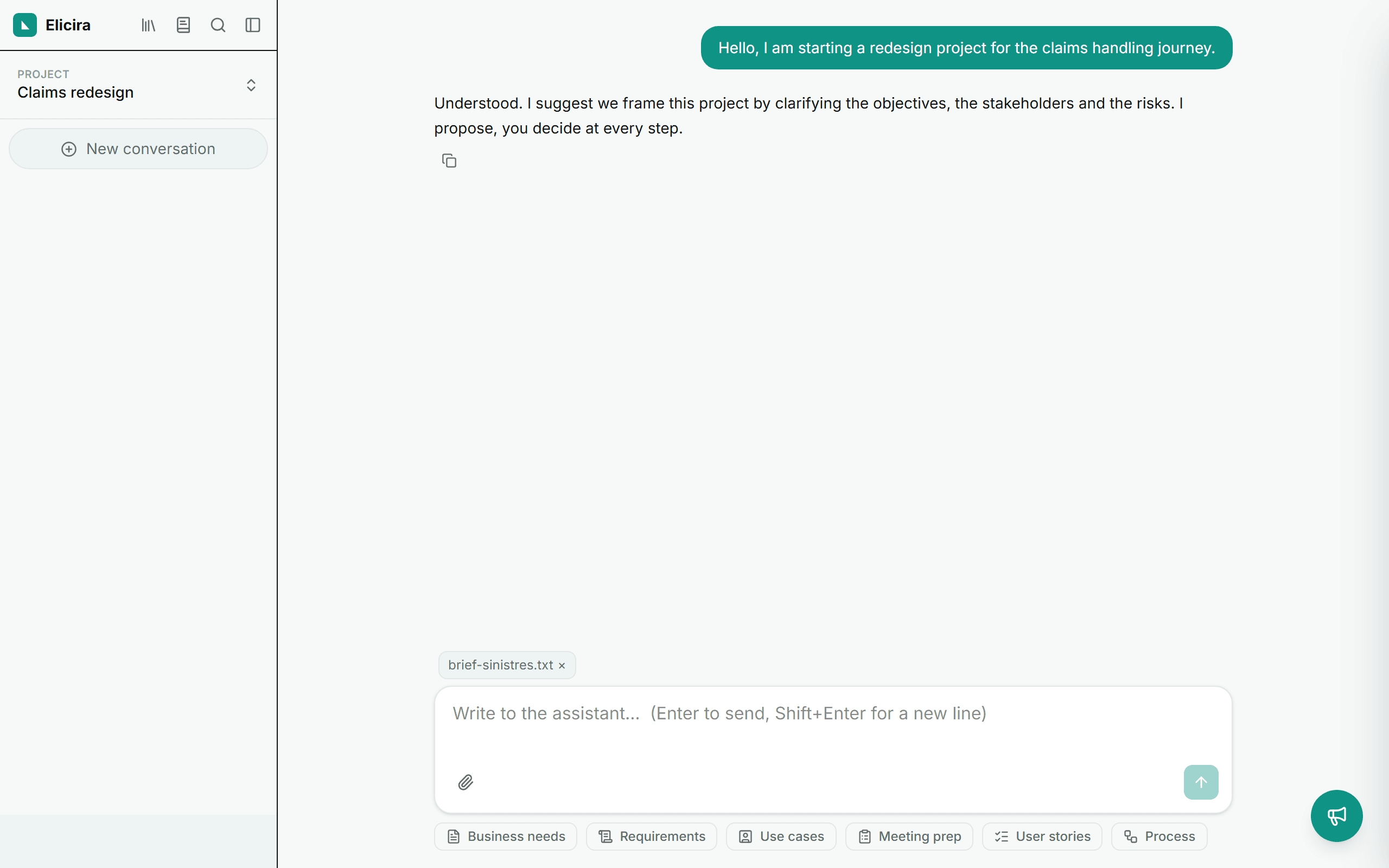
The paperclip in the composer accepts .txt, .md, .docx and .pdf files: the app extracts their text to enrich the context. Nothing is sent without your action.
Run a module
The shortest way: ask for it in the chat. “Prepare my framing meeting” is enough, the assistant recognises the request, runs the module and saves the deliverable while showing you its progress. That path is described in how the assistant works.
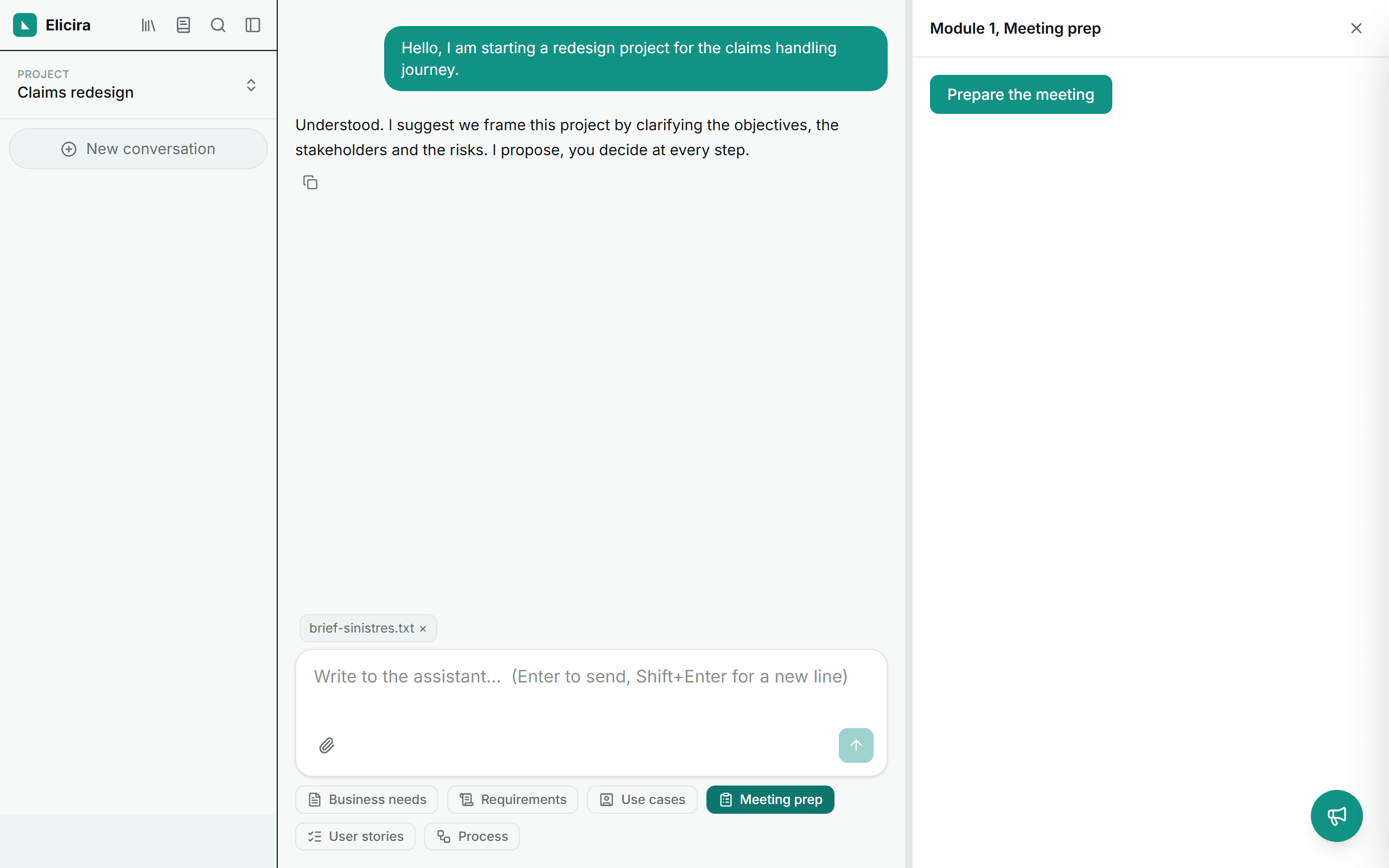
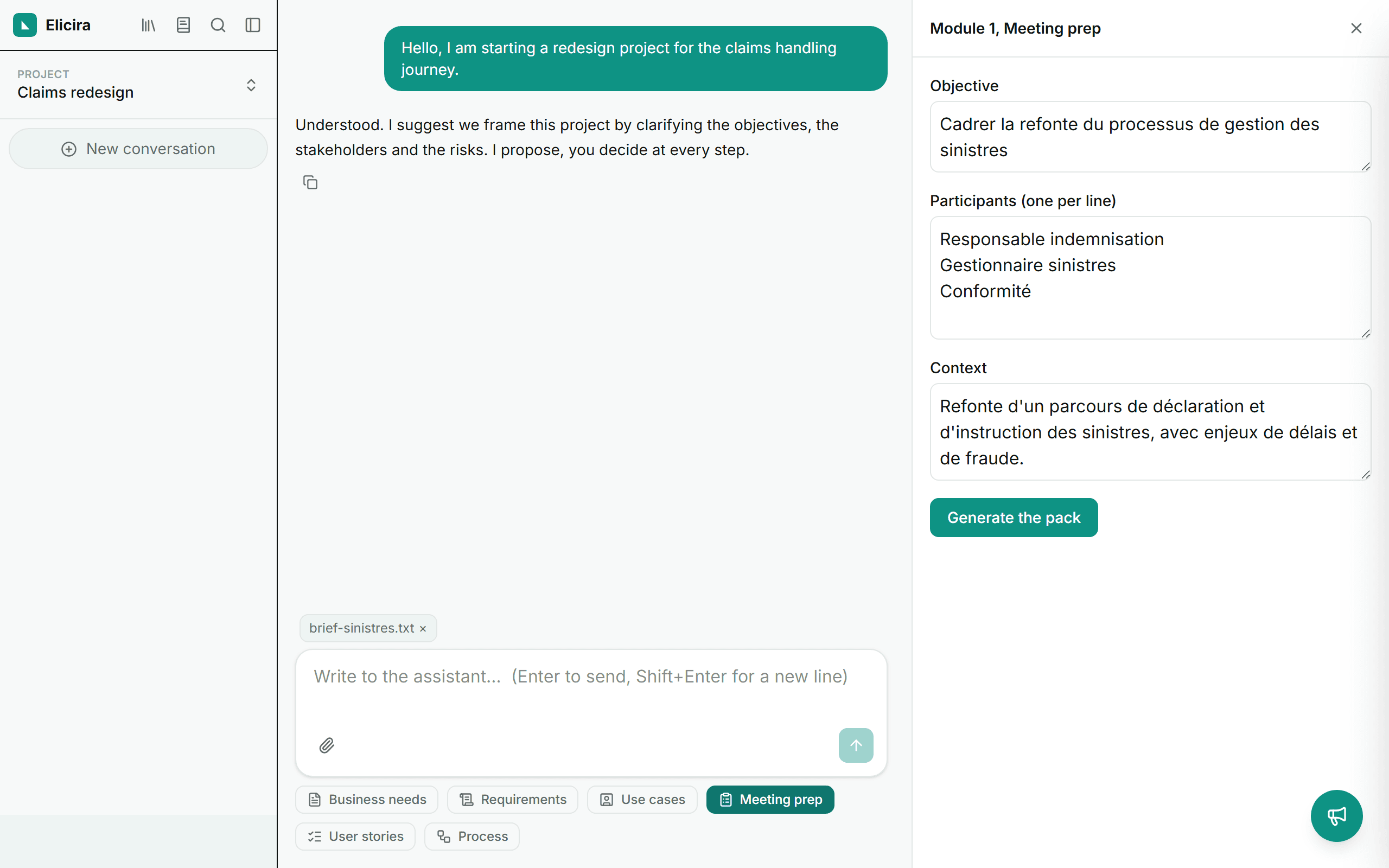
The other way, more controlled: the three chips below the composer open the modules (Meeting prep, User stories, Process). The module appears in a panel on the right, without taking you away from the conversation, and makes you review before it produces, which is what the next two steps are about.
Review and decide (module opened by hand)
This is the step that matters. Before producing anything, the module shows you what it understood from the conversation: the objective, the participants, the context. Correct it, complete it, remove what is wrong.
That stop belongs to the panel. When the assistant runs the module from the chat, it analyses and produces in one go: your review then happens on the deliverable, at the next step.
This checkpoint is not a formality: it is where you stop a context mistake from spreading through the whole deliverable.
Get the deliverable
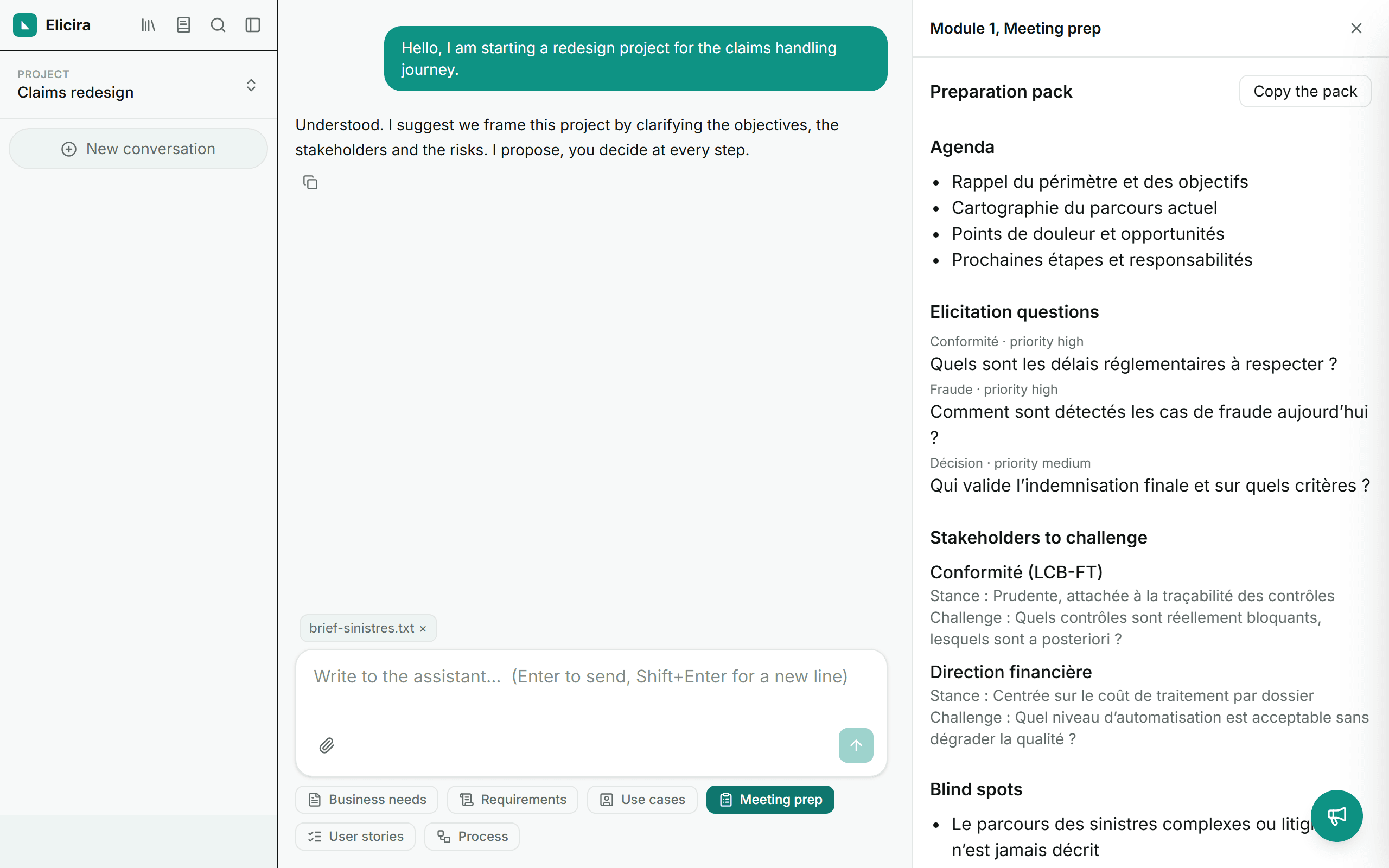
The deliverable is produced from what you validated, or, if the assistant ran the module, from what it understood of the thread. For a meeting preparation: an agenda, elicitation questions grouped by theme and prioritised, the stakeholders to challenge, the blind spots and the points to watch.
Find your deliverables again
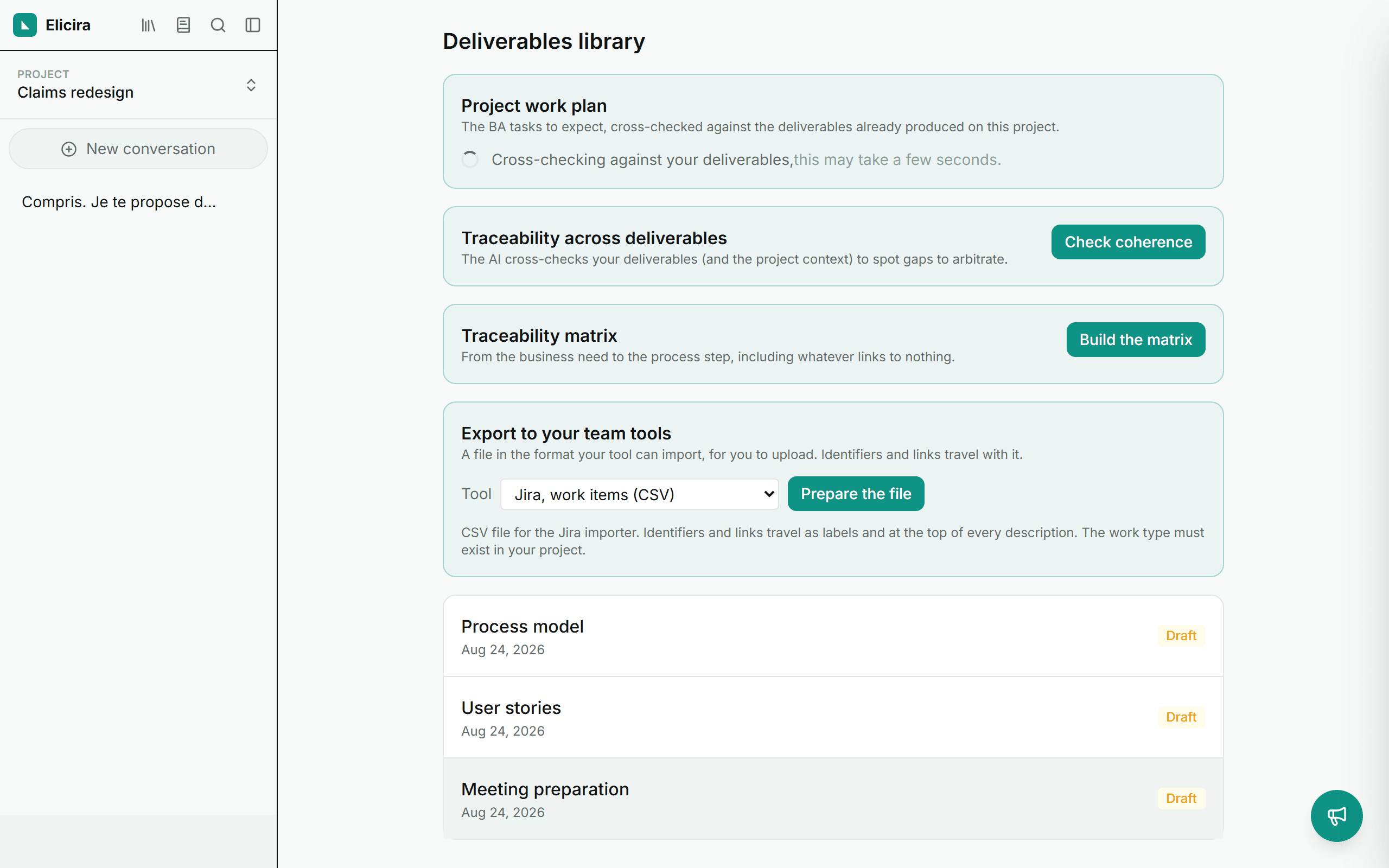
Every generated deliverable is kept in the library, reachable from the left menu. You can reopen it there, mark it as validated, duplicate it into a variant, or cross-check it against your other deliverables.
Organise: projects and context
Group your conversations, deliverables and context inside a project (the switcher at the top of the left menu). Enrich the project context (glossary, requirements, roles) for more accurate and consistent results across modules.
What’s next?
Go further with the chat, the modules and the deliverables library.